Begin with a place
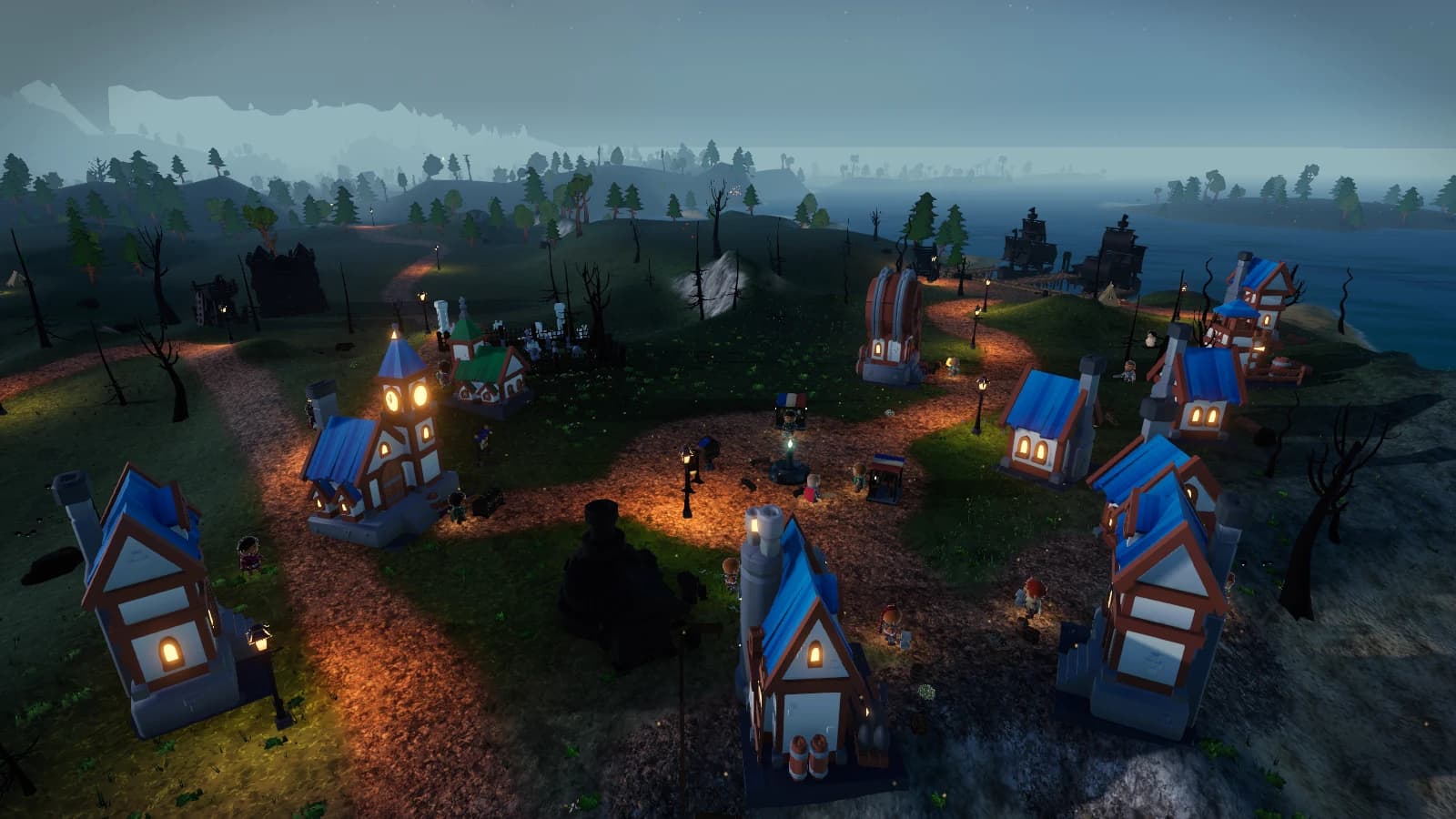
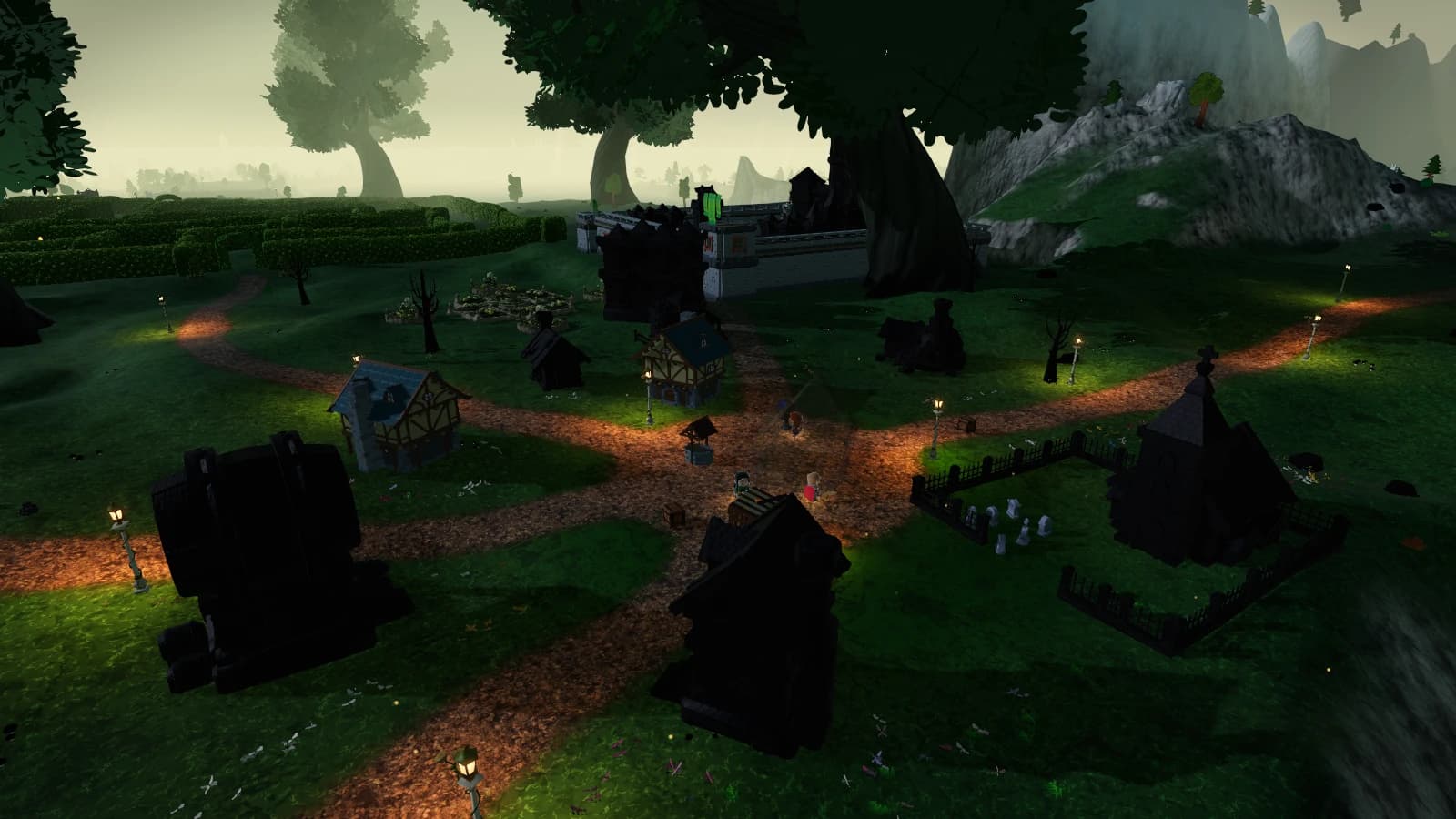
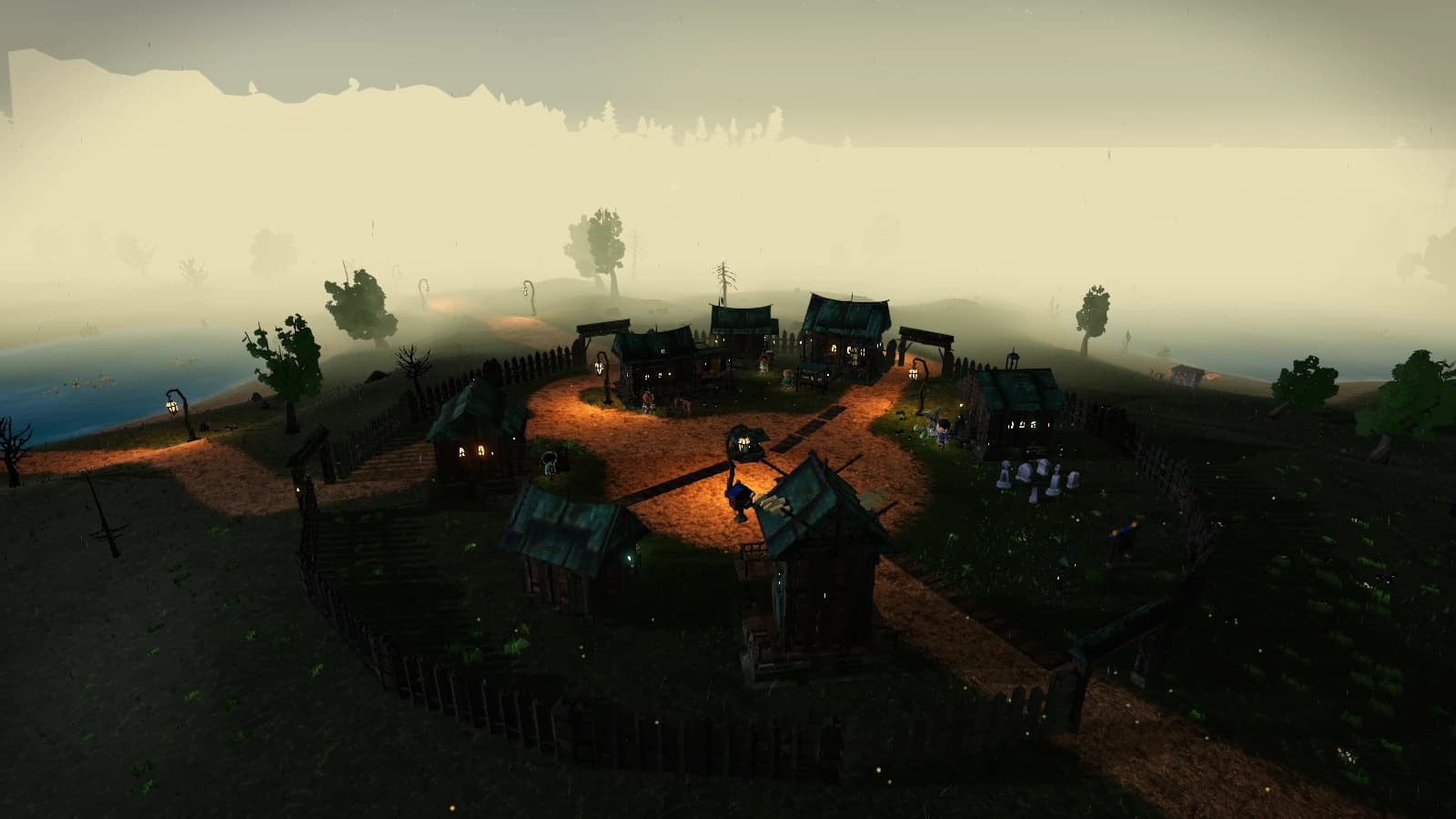
The website’s world atlas and zone pages offer two ways to get your bearings. The atlas maps the exported world; the database connects places with their game records. The zone imagery comes from recorded in-game captures, not newly imagined scenery.
Use them as planning references before entering the game. Neither view is a live map of your character or your party’s location.
Read the encounter before the entrance
Dungeon records connect encounters and their related game content. The atlas helps you locate dungeon entrances. Moving between those references gives a party a clearer destination than a name alone.
Game content is served from committed imports. Read the source information when comparing the website with a newer client; imported guide, talent and atlas artifacts can come from different revisions.
Bring the useful pages, not a promise
Share a dungeon record or talent build with your group, then form the party in the game. The website does not provide matchmaking, recruitment or a live event schedule.
If you are starting fresh, follow the newcomer guide for the client and account steps first. A good plan starts with everyone being able to reach the game.
Sources & snapshot notes
- Database source information ↗
The committed catalog records its own version and revision; these notes do not infer a live-world state.
- World atlas ↗
Existing exported atlas and authentic recorded zone images. Atlas provenance is independent of the class guide.